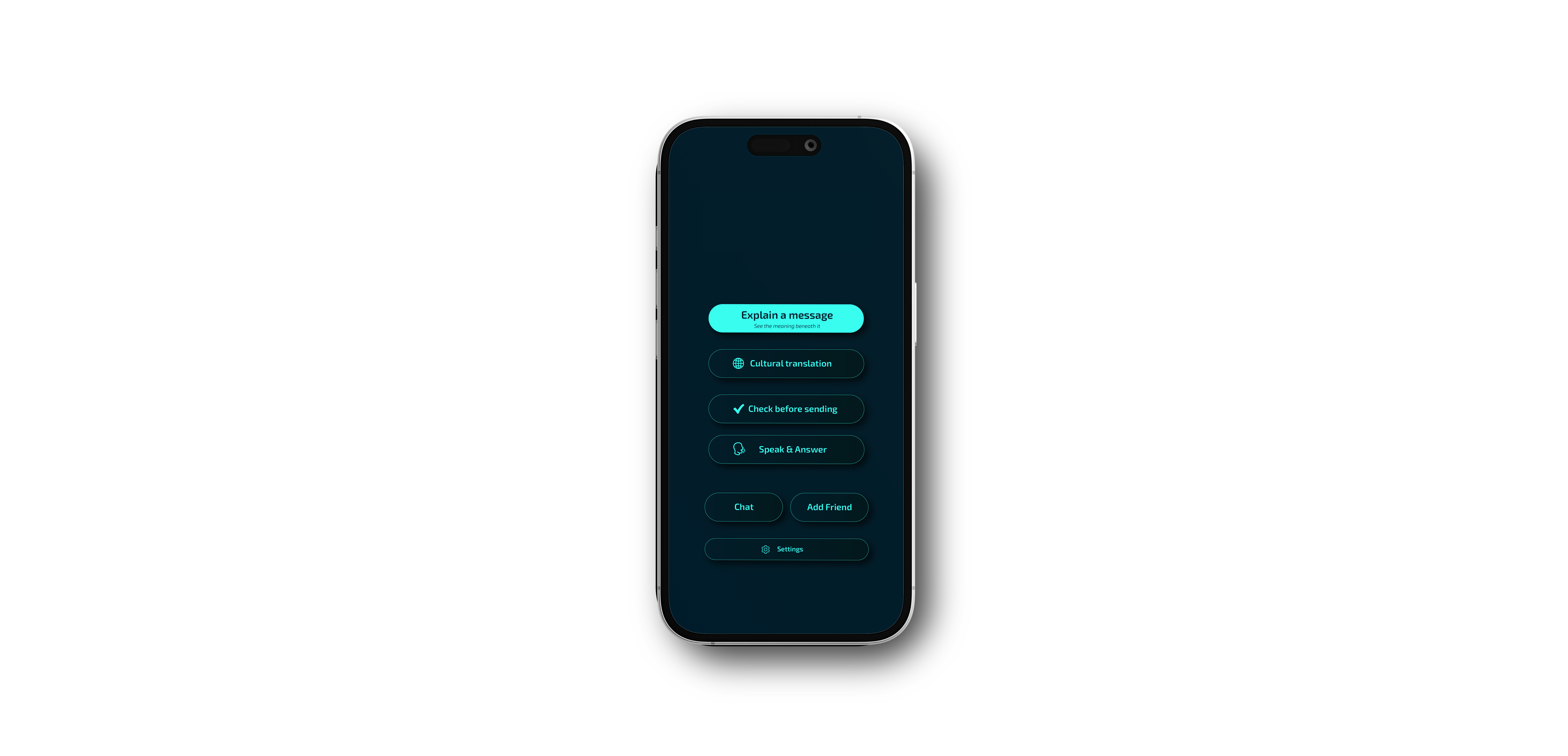
Understand meaning, not just words.
Translation that keeps tone, context, and intent.

Built for clarity, not just translation.
Understands tone, intent, and cultural context.
Designed to reduce misunderstandings — calmly.
A small message can change a day — Wellar helps you read it right.
How it works
Three ways to understand meaning, not just words.

Explain
See what a message truly means.

Cultural
Context-aware translation across cultures.

Check
Review tone before you send.
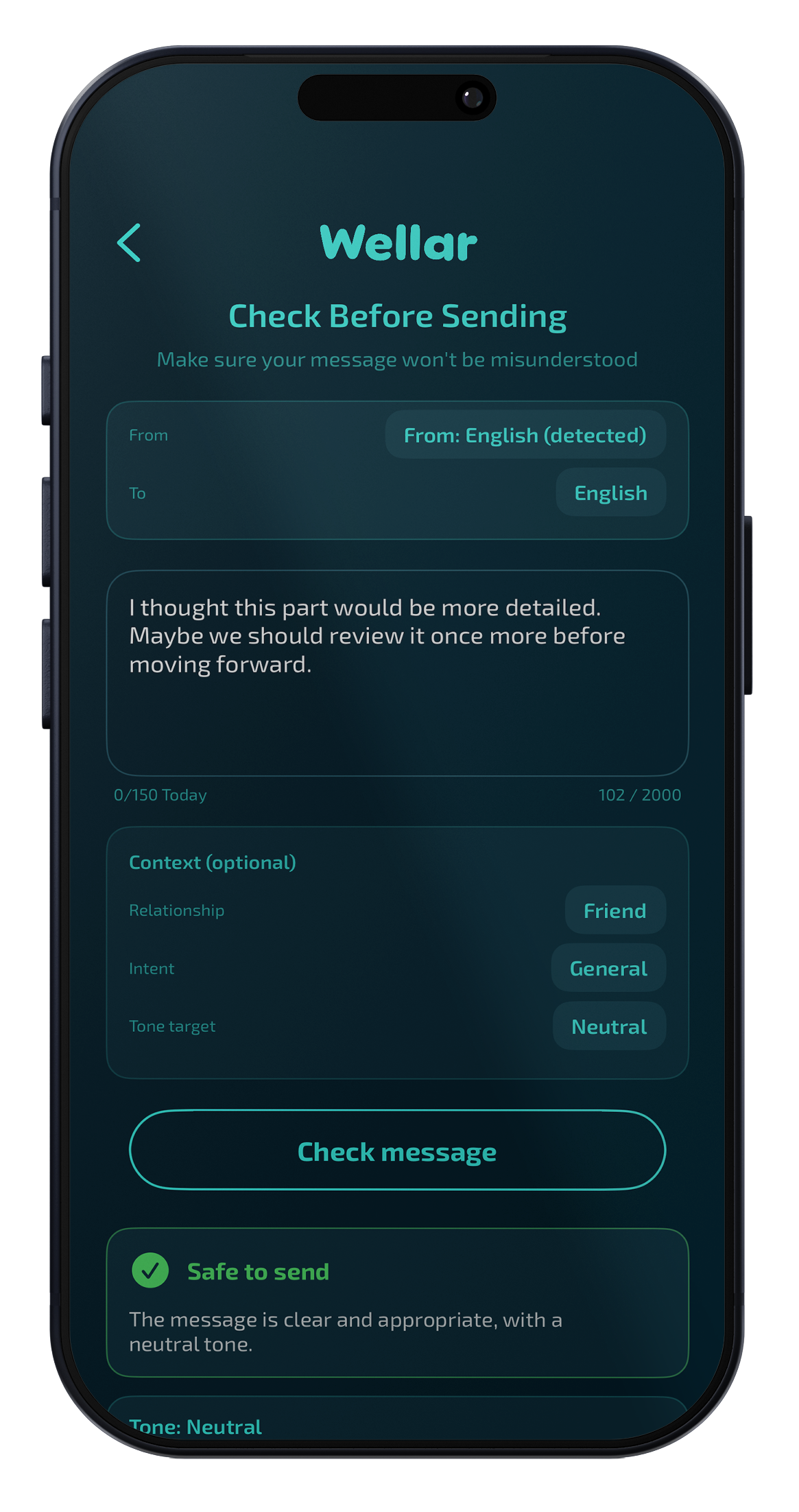
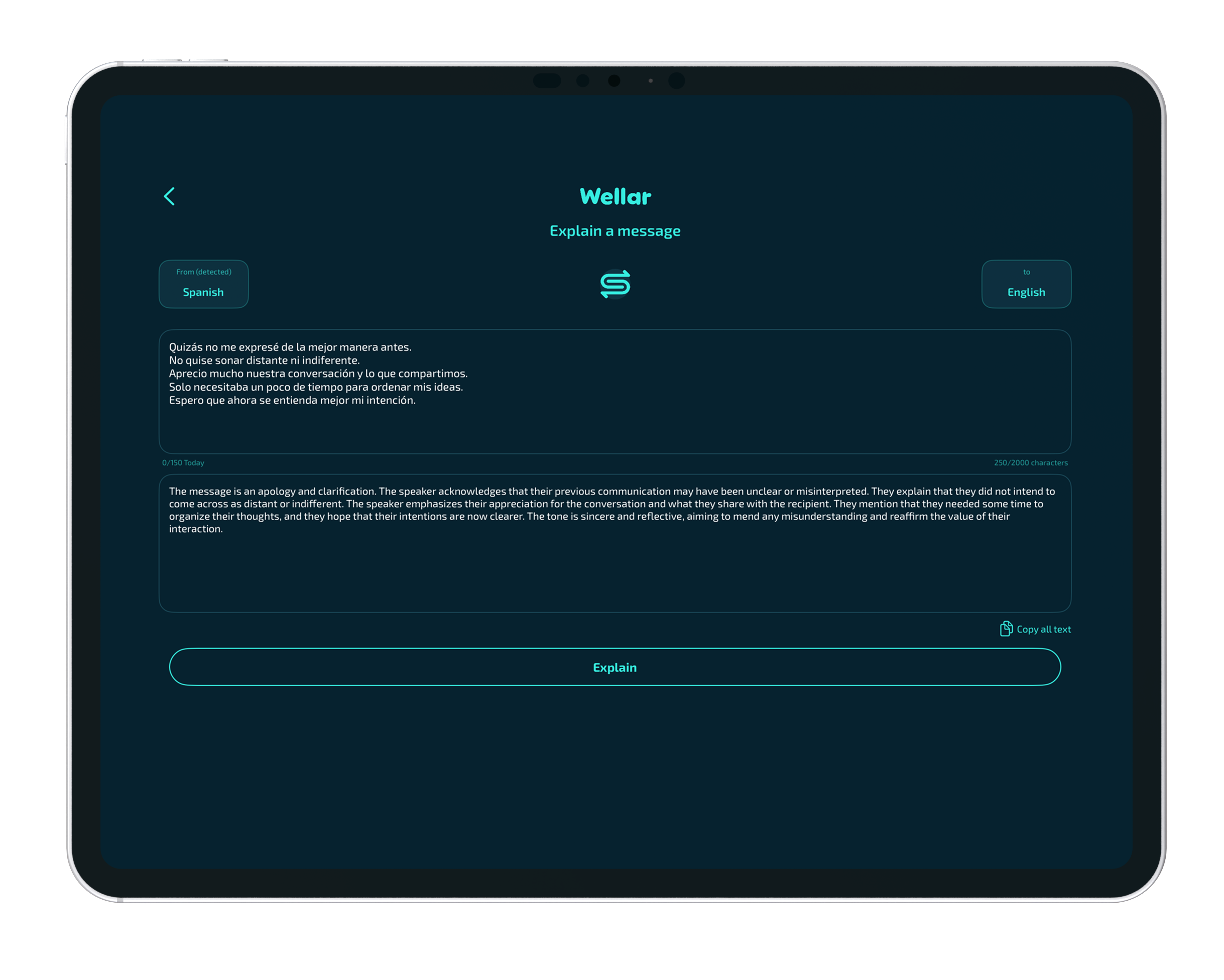
Understand the message beneath the words.
See intent, tone, and context in seconds.
- Detects intent and tone.
- Explains idioms and context.
- Gives a clear, human summary.
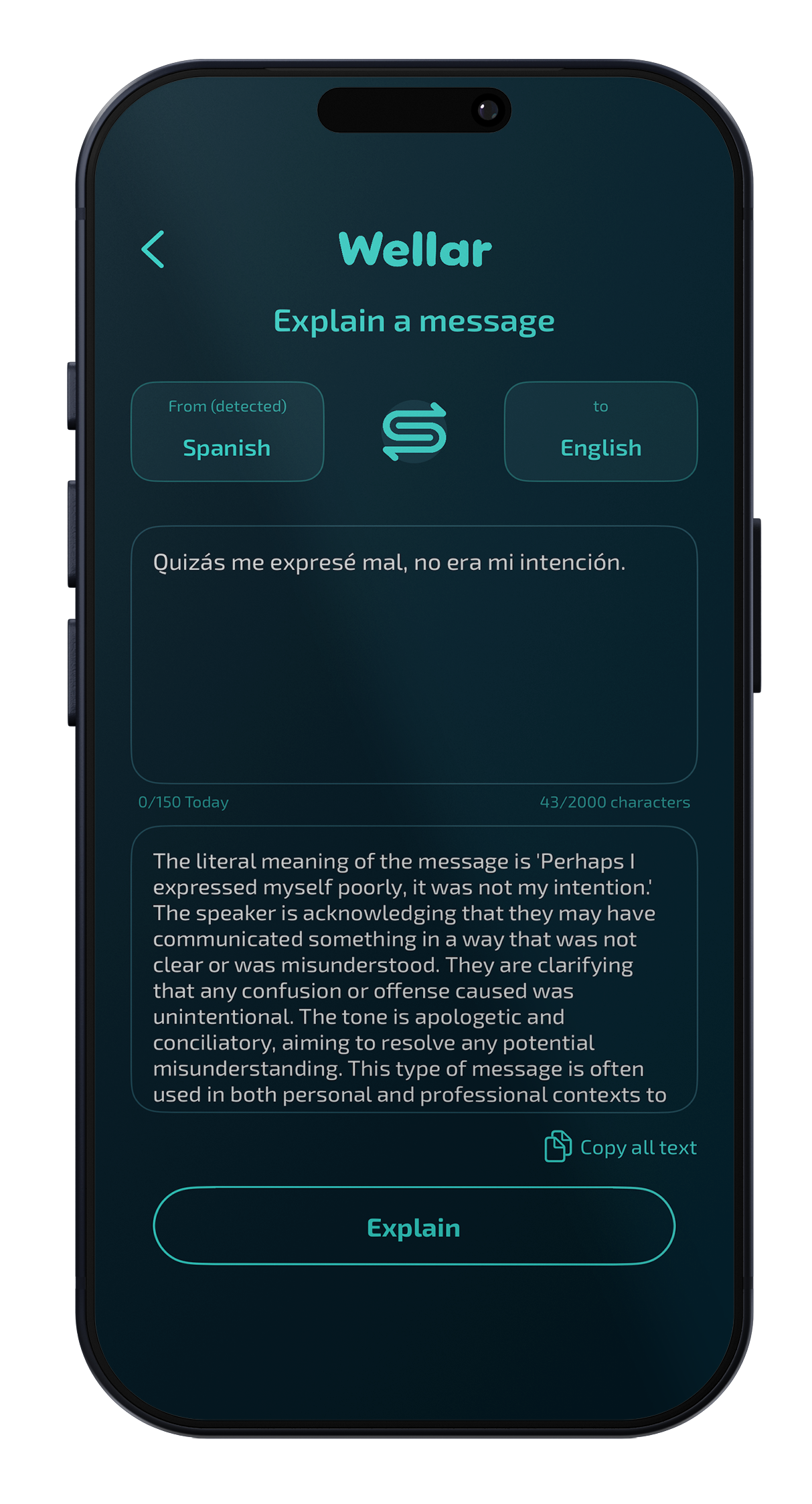
Culture-aware translation.
Idioms, slang, and nuance — explained.
Words carry more than definitions. Wellar recognizes idioms, tone, and context so you get the intent behind the phrase, not just a literal swap. It helps you respond in a way that fits the conversation and the culture.
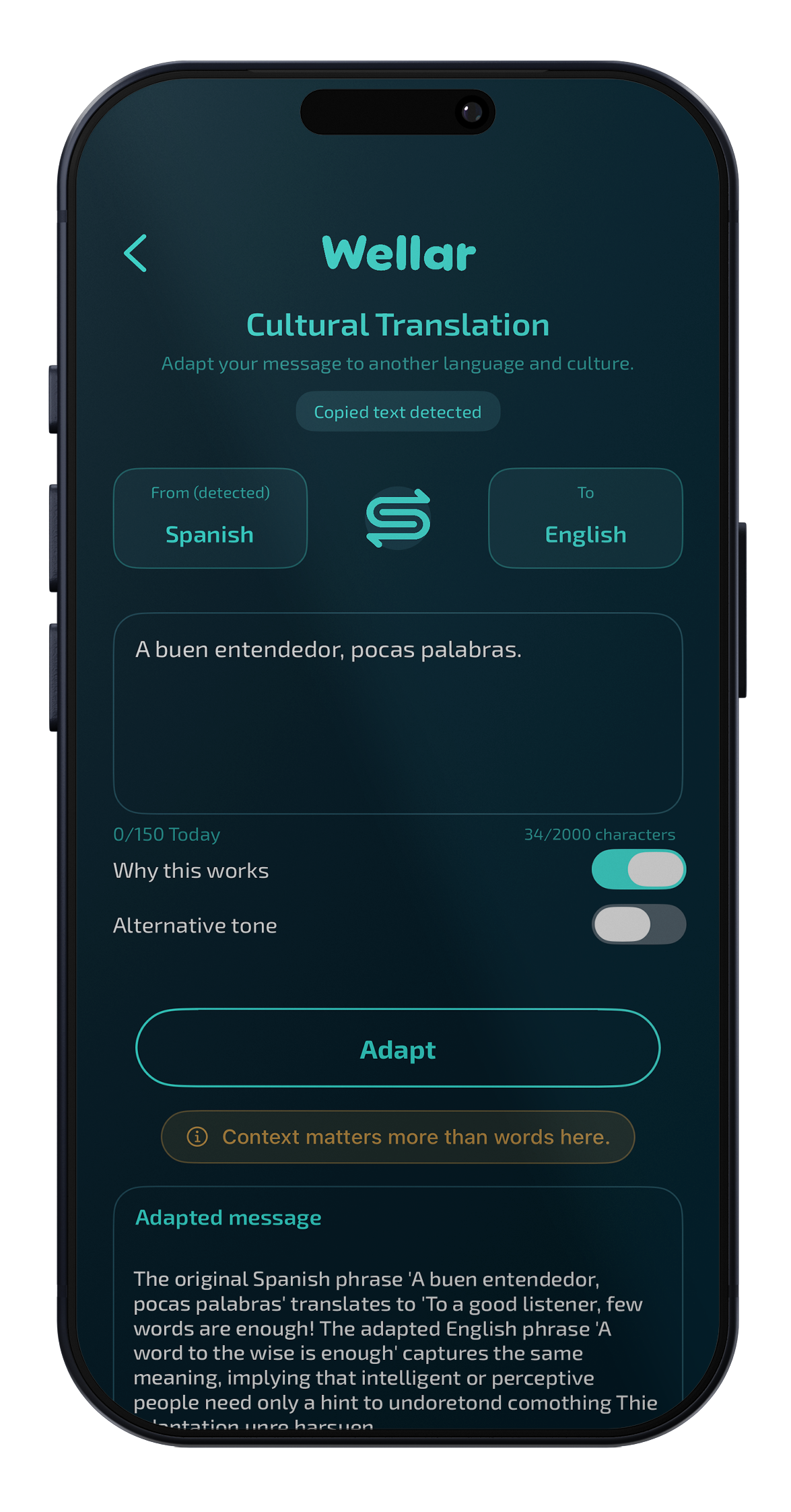
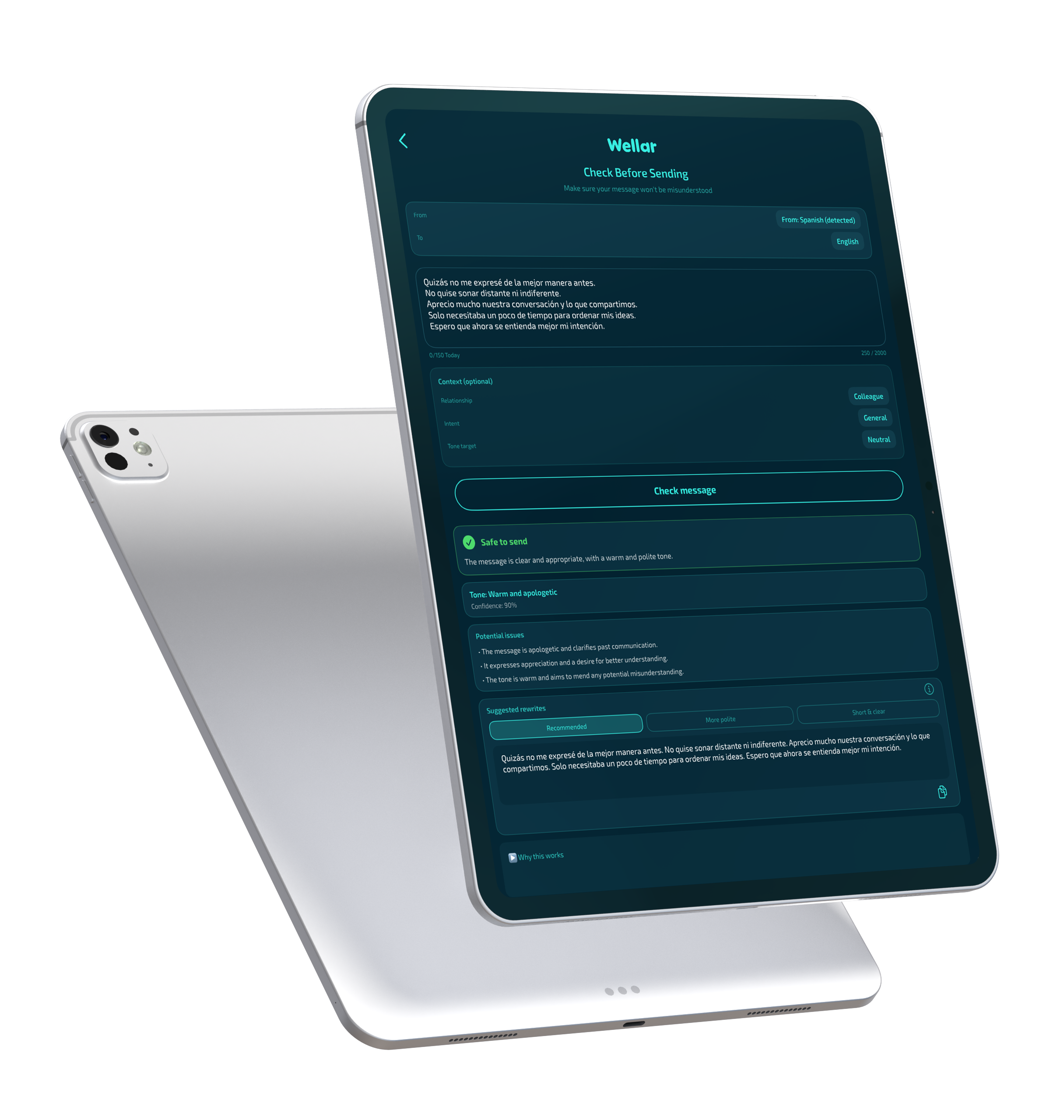
Check before you send.
Make sure it lands the way you mean.
A message can say the right words and still land wrong. Wellar checks tone and suggests rewrites before you send, so you stay clear and respectful across languages. Small adjustments that keep the conversation on track.
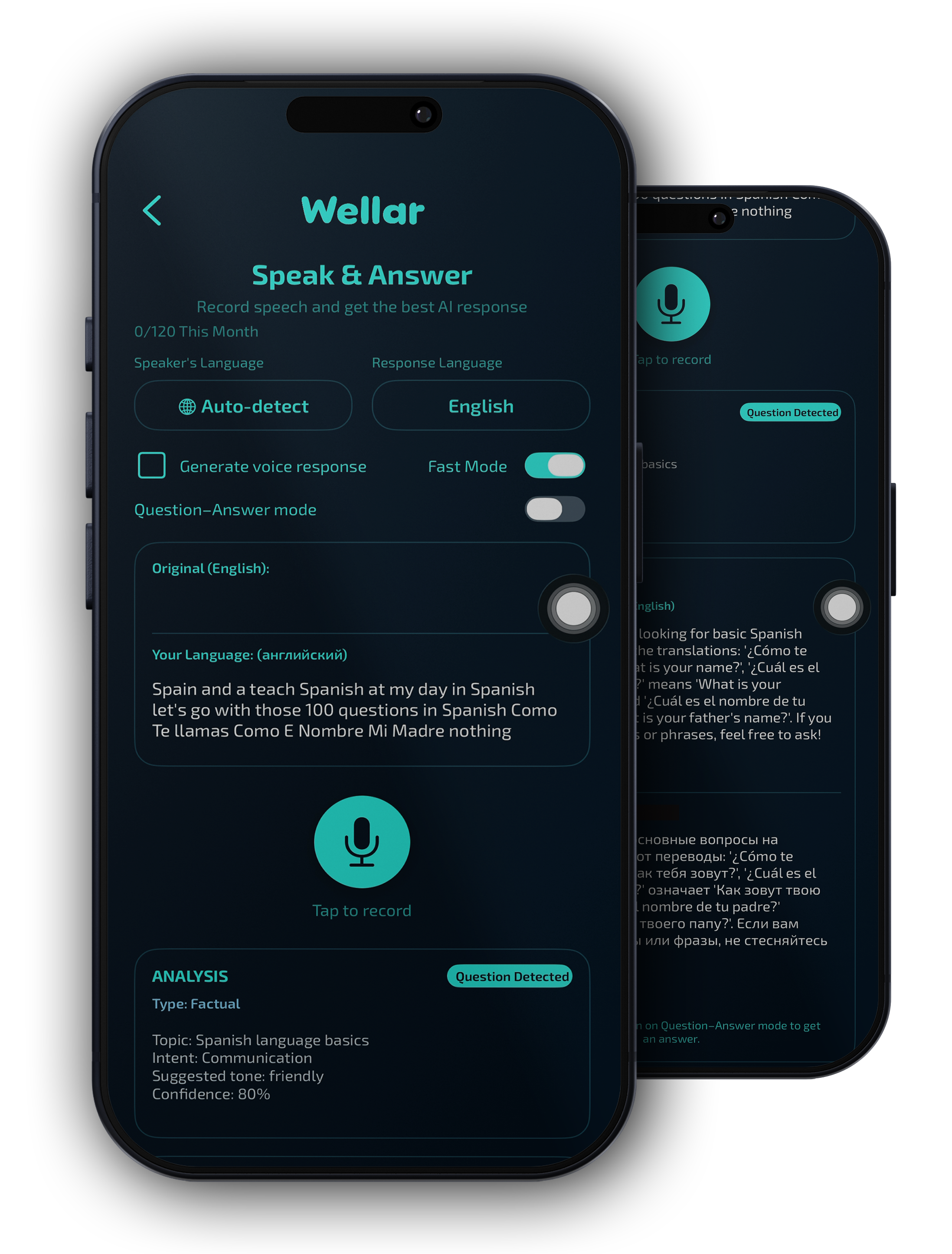
Speak & Answer.
Live voice translation — plus meaning.
Talk, listen, and get answers in your language. Wellar turns live speech into clear text and meaning—and in Q&A mode, it suggests a reply so you can respond without fumbling. Voice that keeps the dialogue going.
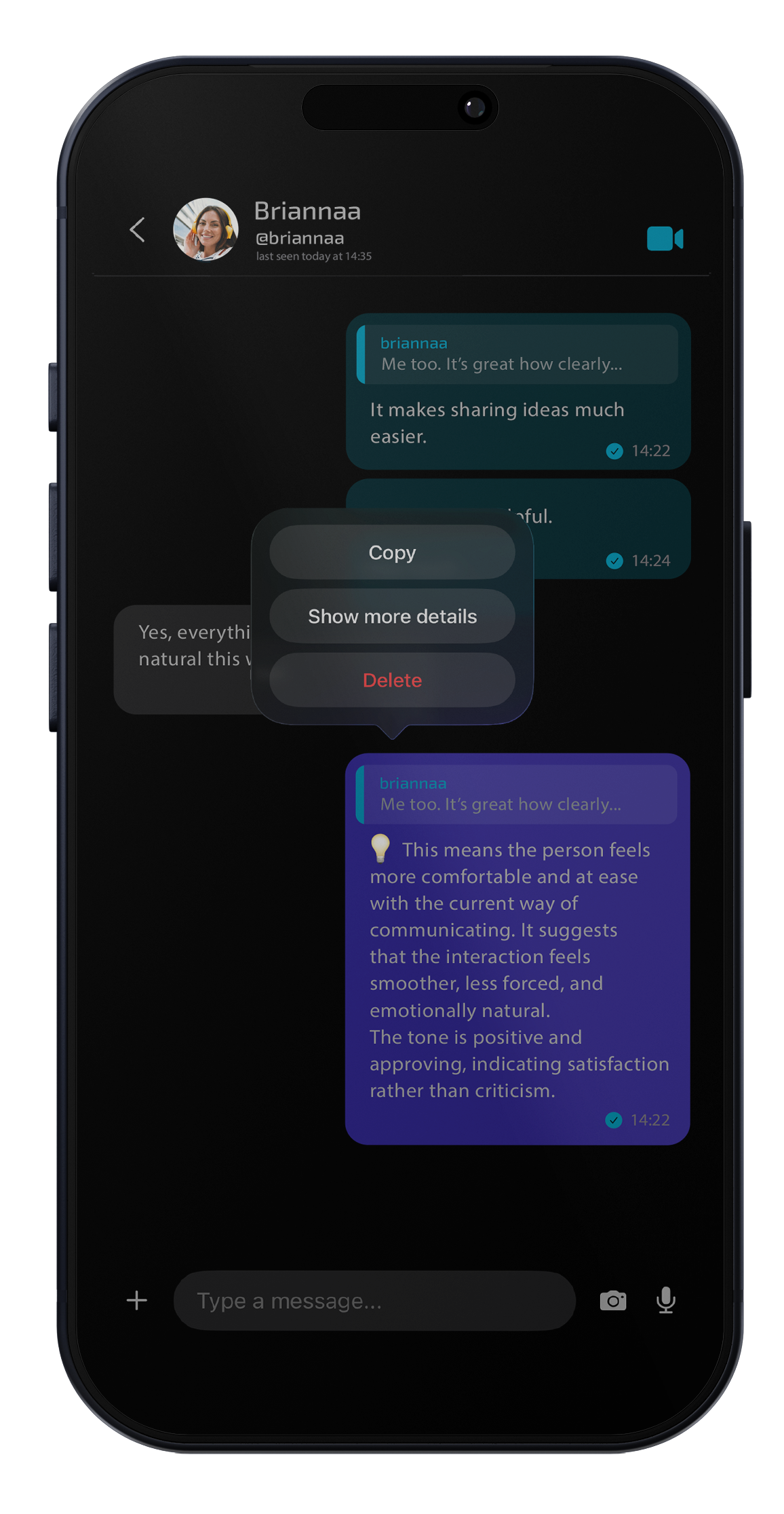
Everyone chats in their own language.
Messages adapt automatically for each person.
Each person reads and writes in the language they choose. Wellar adapts the message for both sides so the conversation feels natural. No more guessing tone or missing nuance—just a clear thread, in everyone's language.
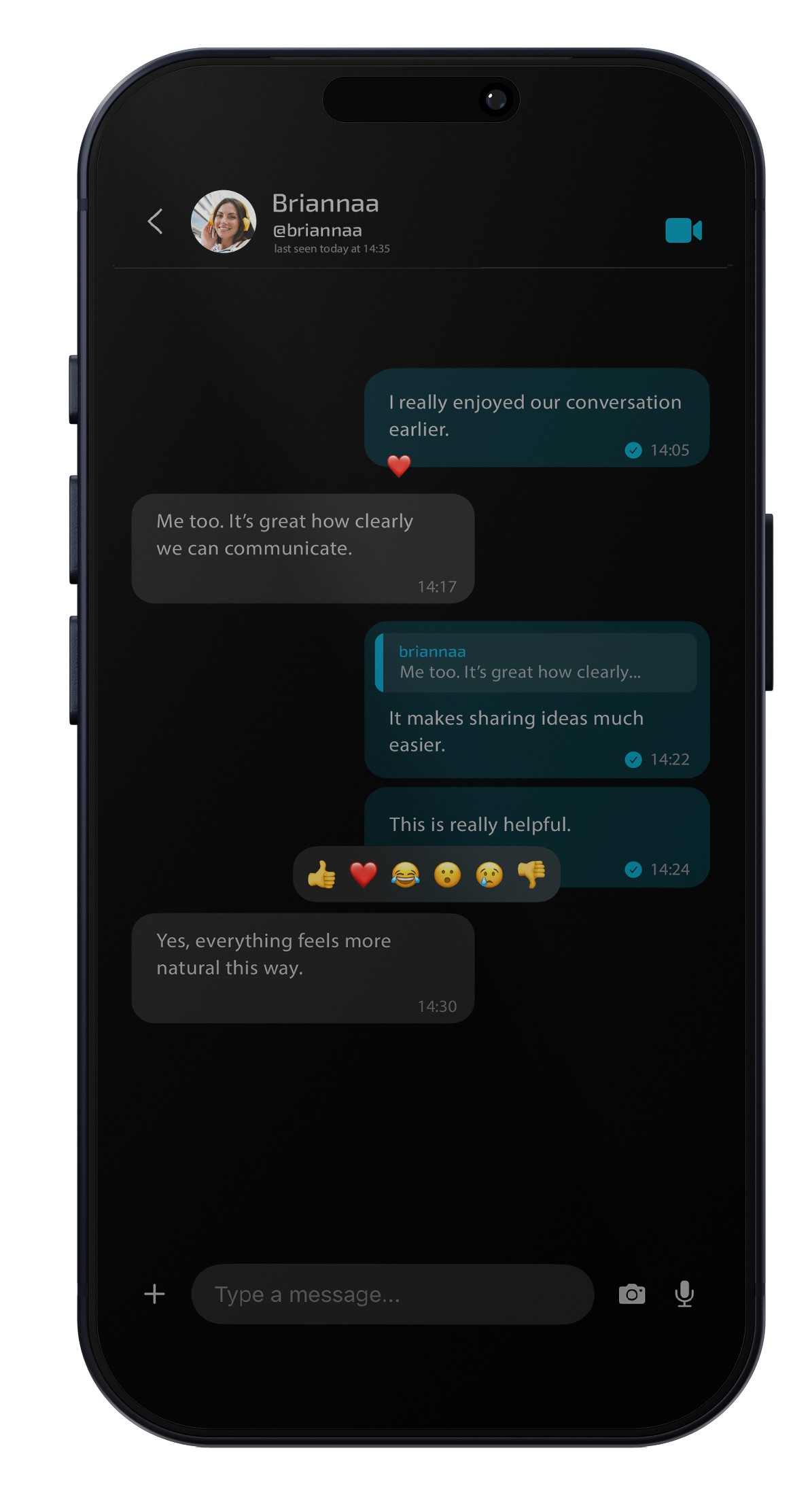
Each user writes and reads in their own language.
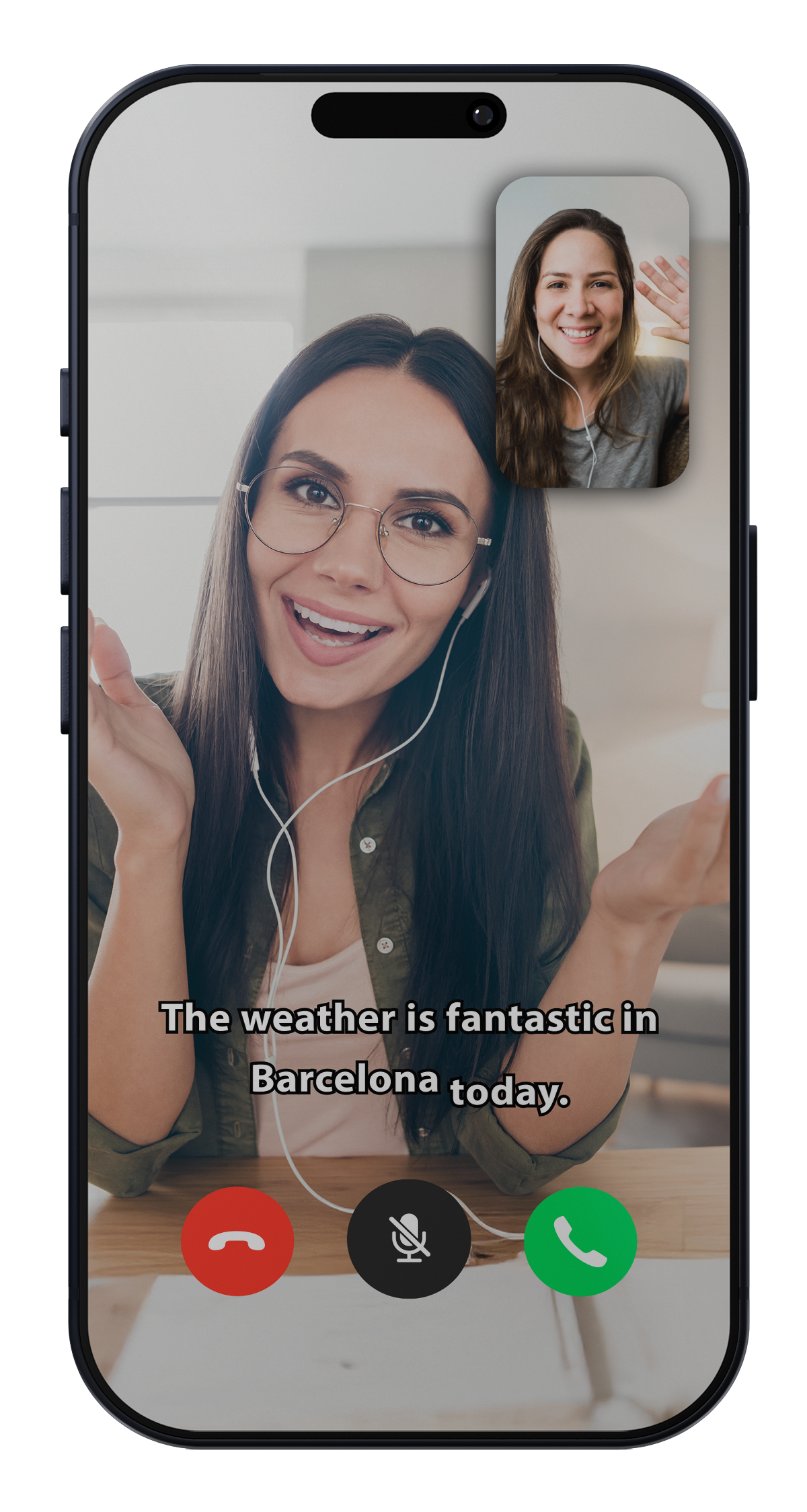
Live subtitles in your language.
Follow every word — clearly.
- Real-time captions.
- Your language on screen.
- Designed for clarity, not clutter.
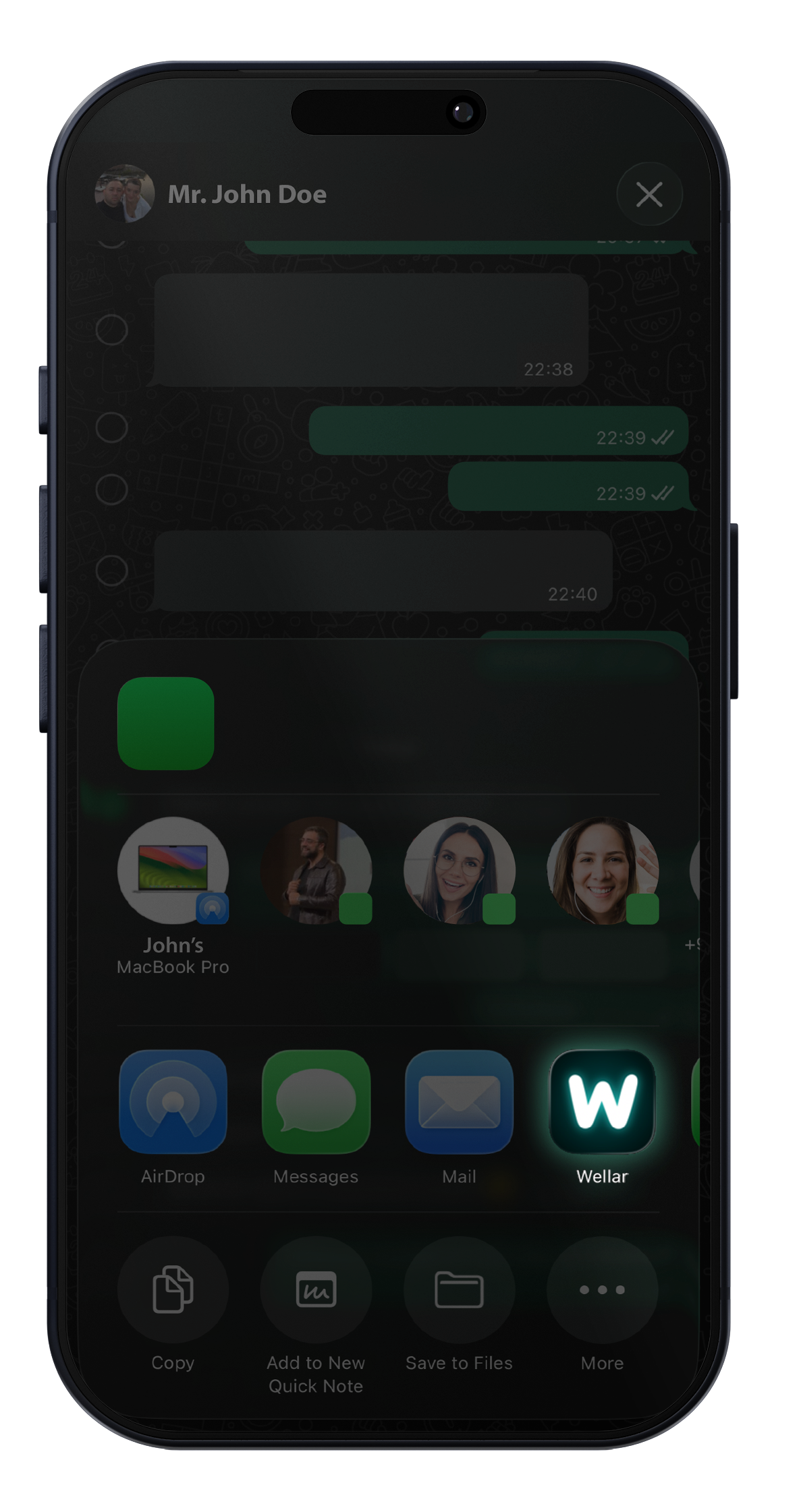
From any app to clarity.
Share text into Wellar instantly.
You don't leave the conversation. Select the text, tap Share, and Wellar opens with the meaning already in focus. No switching apps, no copy-paste. Clarity follows the flow of how you actually work.
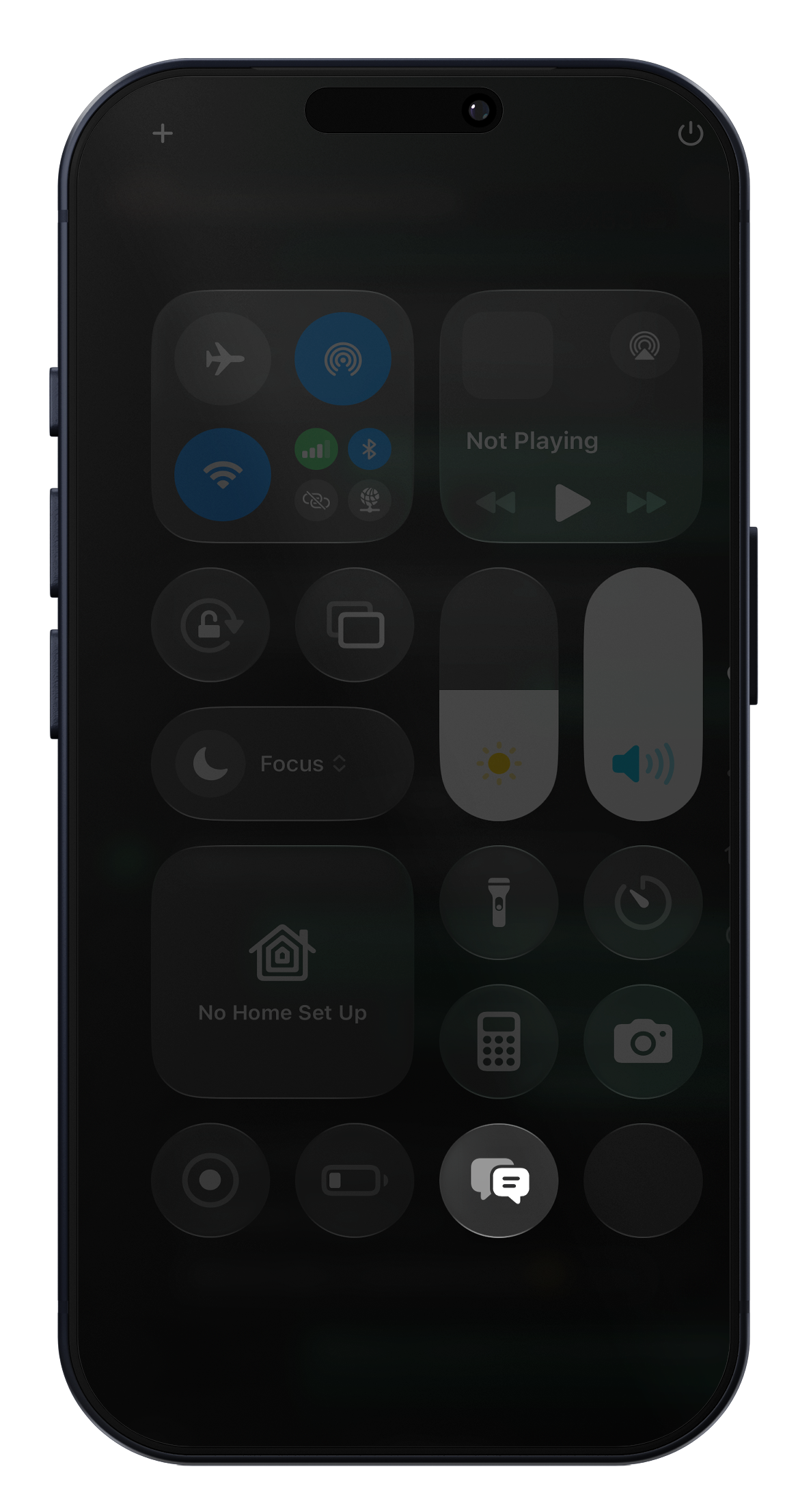
One-tap access.
Control Center and widgets — ready anytime.
When you need it, it's there. Add Wellar to Control Center and translation is one tap away from any screen. Widgets bring the same clarity to your home screen. No digging through apps—just meaning, when you need it.
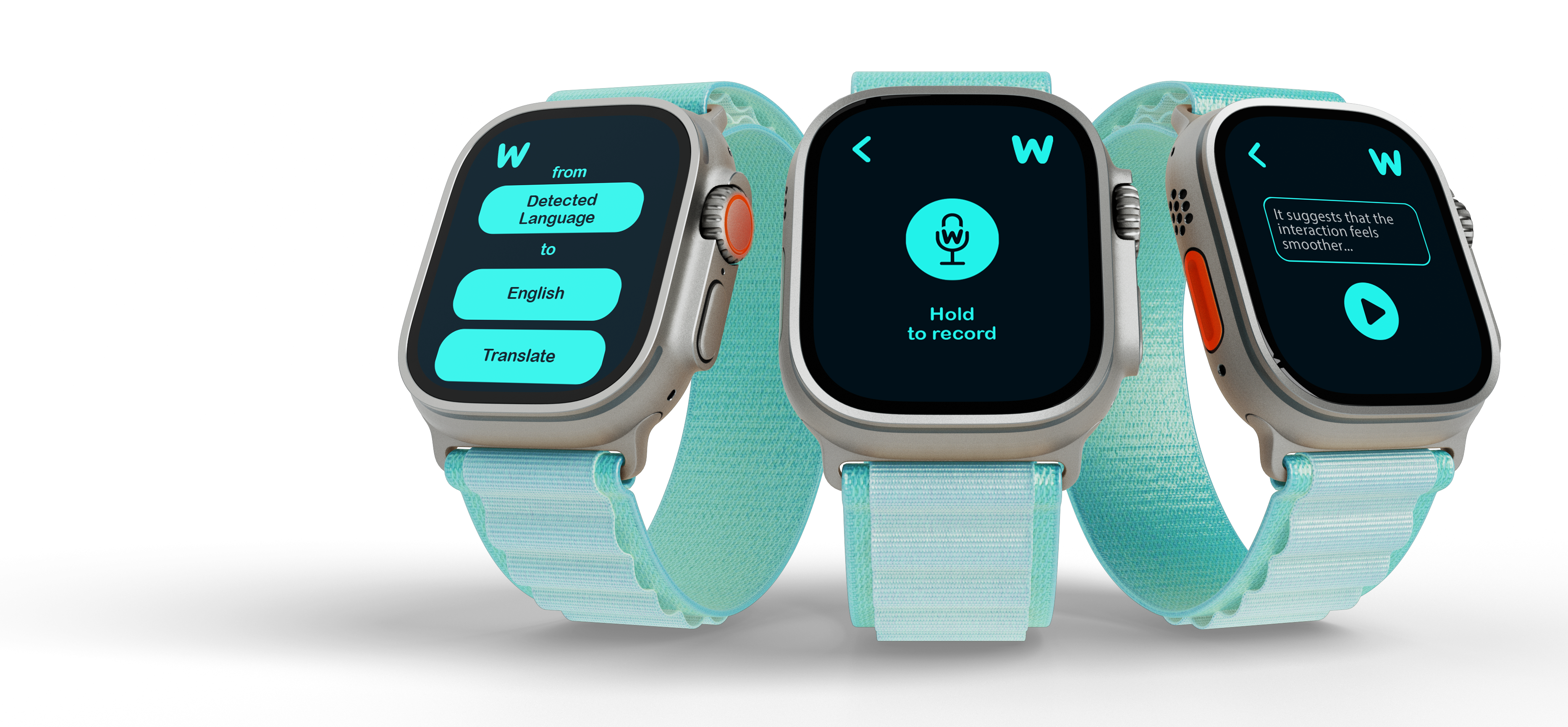
Meaning on your wrist.
A voice-first experience — built for Apple Watch.
- Hold to record.
- Instant meaning.
- Culture-aware hints.
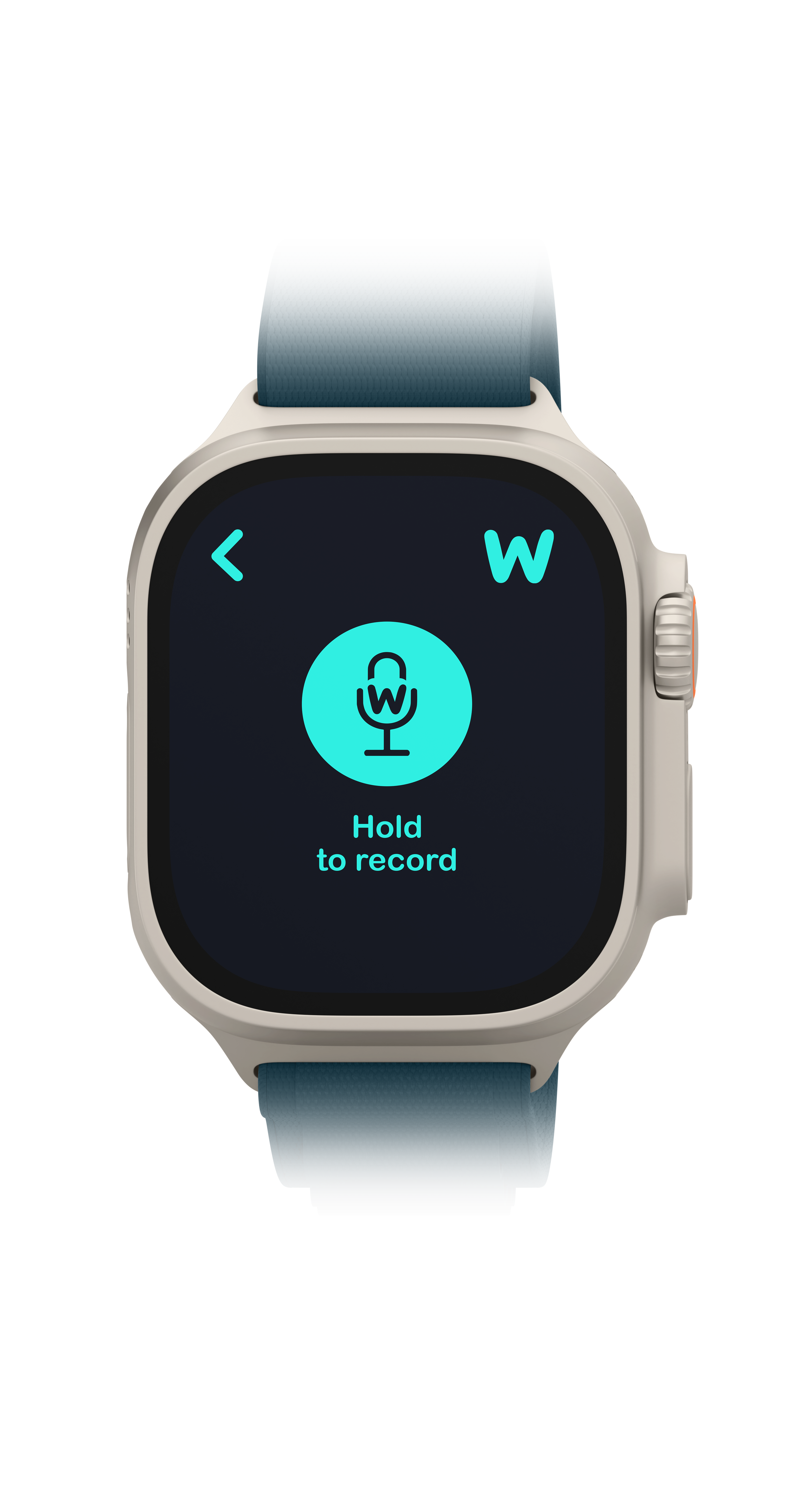
Meaning on your wrist.
A voice-first experience — built for Apple Watch.
- Hold to record.
- Instant meaning.
- Culture-aware hints.
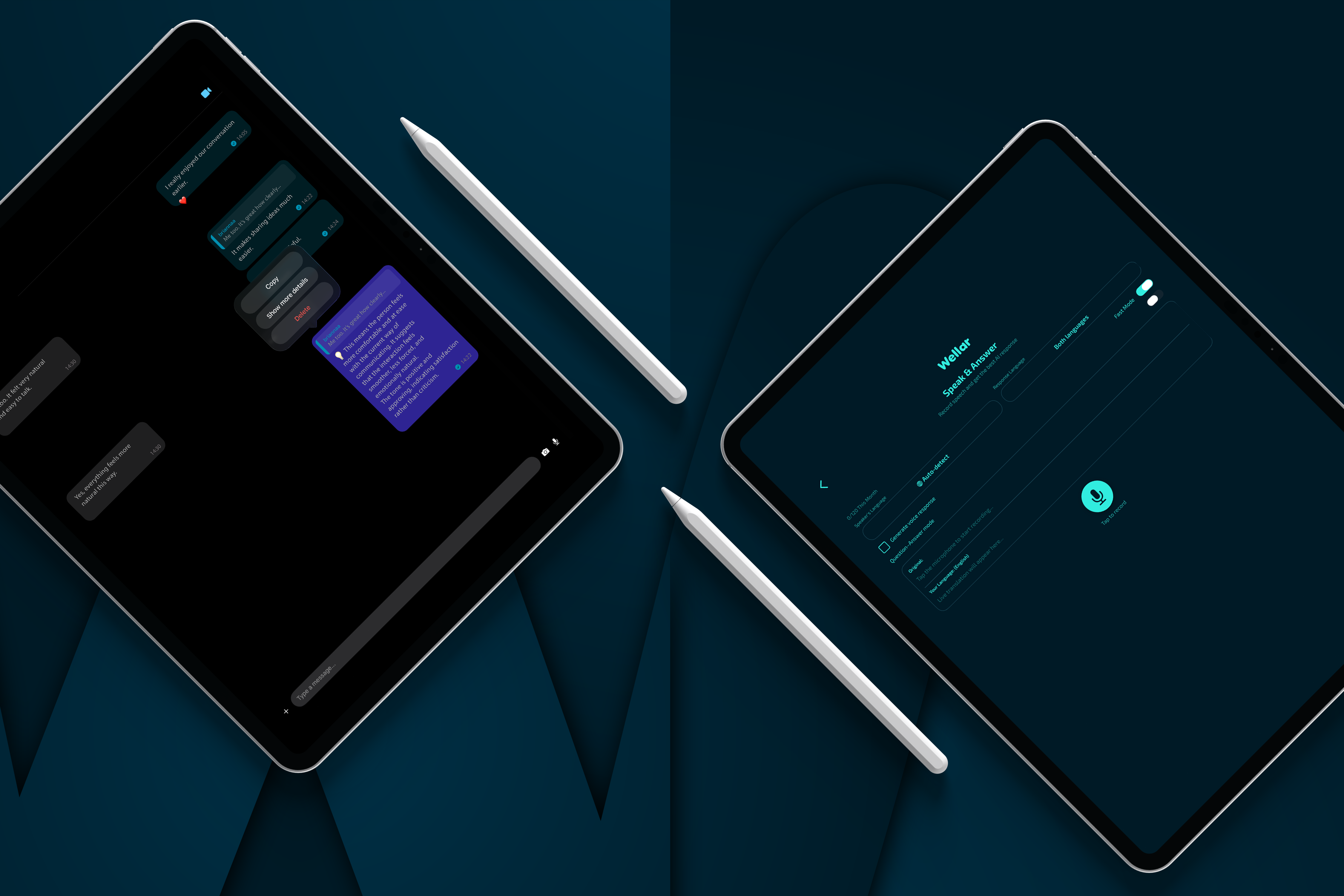
Made for iPad.
More space for deep clarity.
On the larger screen, Wellar gives you more room to see context, tone, and suggestions without crowding the conversation. Designed to feel at home on iPad—clarity with space to breathe.
You stay in control.
Clear choices. Transparent limits. Calm design.
- Control your language and tone.
- Choose short or detailed explanations.
- Designed to reduce misunderstandings.
Meaning comes first.
Communicate clearly — across languages.
Wellar is built around one idea: understanding before replying. Whatever the language or the app, you get the meaning first. Download and bring that clarity into every conversation.
Download on the App Store